Set up a digital tip jar
Let customers thank you digitally. A Tip Jar lets guests pay by card or wallet, to a specific person or the whole crew.
Tip Jar Editorial · Updated September 13, 2026 · 2 min read
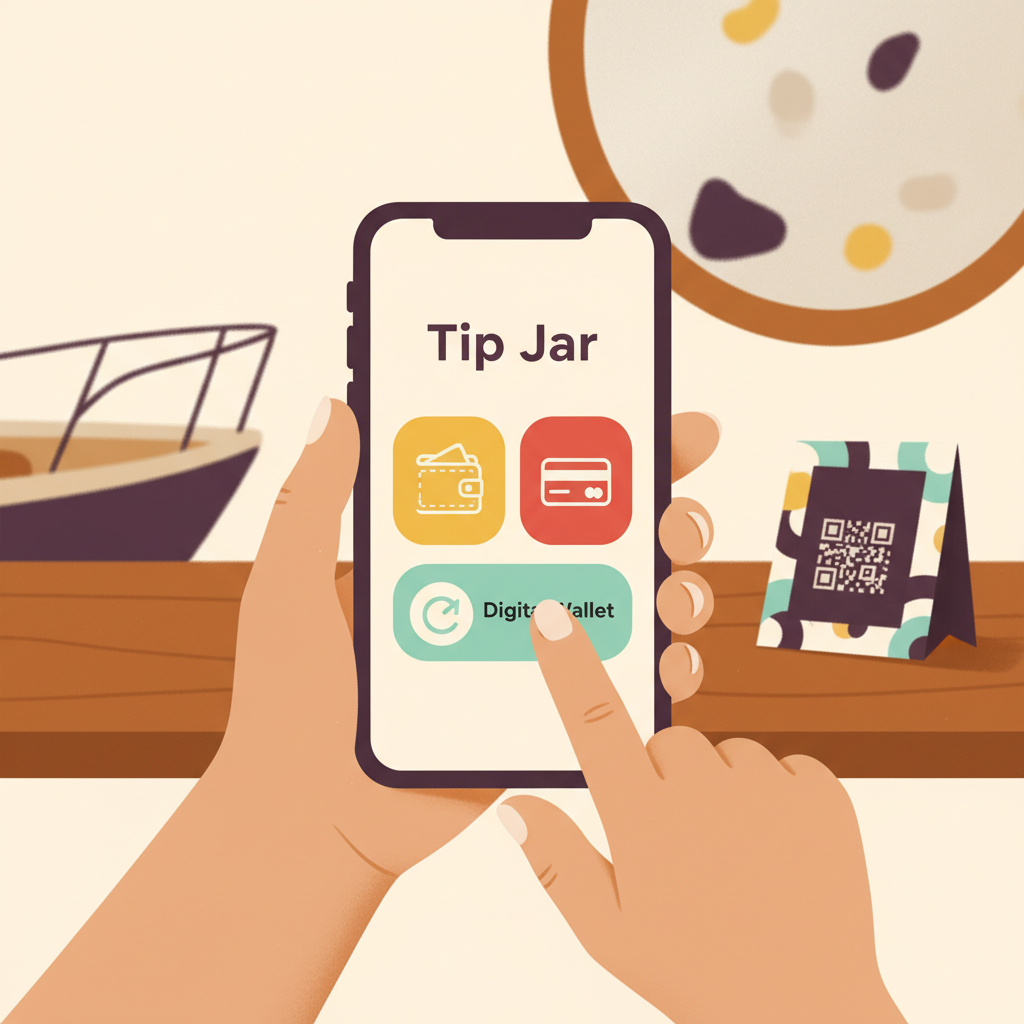
Setting up a digital tip jar allows your customers to leave tips online quickly and easily, without needing cash or an app. Tip Jar makes this straightforward, providing a dedicated link or QR code where guests can show their appreciation.
How a digital tip jar works
A digital tip jar allows customers to tip directly using their phone. They don't need to download an app or create an account; they simply open a page, choose an amount, and pay by card or digital wallet. The smallest tip Tip Jar accepts is $5.
Tip Jar keeps a 3% platform fee plus card processing, taken out of the tip. Payments and payouts run on Stripe, and the money lands in the recipient's own bank account.
For individuals and teams
Customers can send a tip to one named person or to the whole crew. If a customer doesn't know names, they can tip the whole crew when the jar has that option turned on. Whole-team tipping matters when the customer remembers the experience more clearly than the names. A team member can appear on Tip Jar and be chosen by customers even before they've finished setting up their own payouts; tips credited to them route to the business in the meantime and stay attributed to them.
Setting up your Tip Jar
Creating a Tip Jar takes about two minutes and does not require a website. Once set up, you get a unique link and QR code for your jar.
Sharing your Tip Jar
A Tip Jar can be shared in several ways:
- As a direct link
- As a printed QR code
- In an email signature
- Embedded on your own website
The best tip jar appears where gratitude already exists. Tipping friction usually happens after the service, not during it, so a tipping option can technically exist and still be practically invisible. Goodbyes are short and hands are usually full. If the only tipping option lives at the exit, plenty of grateful customers will walk straight past it.
Making your digital tip jar visible
A QR code is not useful merely because it exists. It has to be noticed. The best signage gives context before it gives instructions. People decide whether they care before they decide whether to scan. A paragraph on a sign is read by nobody standing up.
Tipping signs usually feel awkward for one of three reasons: they ask instead of offer, they explain too much, or they look improvised. A sign that reads like part of the experience rarely feels like a hand out. The customer should not need to understand your payment setup to say thank you.
Consider wording that feels natural and inviting, such as:
- WARM: "Loved your experience?" "Leave a little love." "Want to thank your guide?"
- PLAYFUL: "Made your day? You can make ours." "Show the crew some love."
- MINIMAL: "Tip the crew." "Who made your day?" "Say thanks."
- PROFESSIONAL: "Tips are never expected, always appreciated." "Gratuities for the team."
- HOSPITALITY: "Thanks for staying with us." "If someone here looked after you, you can say thanks."
Questions people actually ask
How long does it take to set up a digital tip jar?
Creating a Tip Jar takes about two minutes.
Do customers need an app to tip?
No, guests do not download an app or create an account; they open a page, pick an amount and pay by card or wallet.
Can customers tip a specific person or the whole team?
Yes, guests can send a tip to one named person or to the whole crew, and the money routes to whoever was chosen.
What is the smallest tip accepted?
The smallest tip Tip Jar accepts is $5.