Cashless Tipping Made Easy: The App-Free Way
Cashless tipping doesn't require customers to download an app. Tip Jar lets guests pay by card or wallet directly in their browser.
Tip Jar Editorial · Updated September 21, 2026 · 3 min read
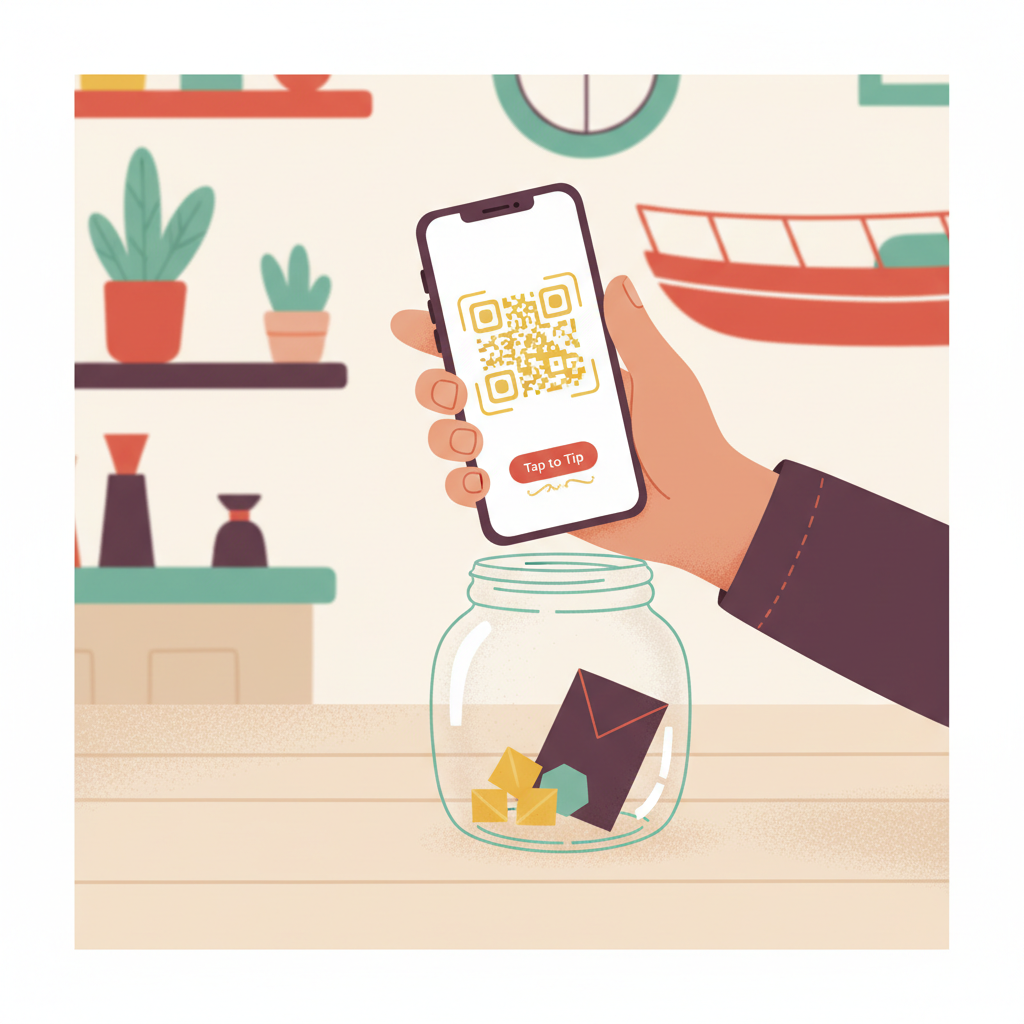
A cashless tipping app provides a digital way for customers to leave a tip when they don't have cash. For Tip Jar, this means a web-based experience where guests can tip without downloading an app or creating an account, making the process smooth for everyone involved.
What Cashless Tipping Means for Your Business
Cashless tipping gives customers a digital way to express gratitude when cash isn't convenient or available. The key is to offer a clear, immediate payment action at the moment they want to say thanks. This approach addresses common 'tipping friction' points, such as not having cash (Payment friction), or being unsure how to tip (Discovery friction).
Many businesses might assume a 'cashless tipping app' means another app for their customers to download. However, a tipping app for the business doesn't have to mean an app download for the customer. Tip Jar is app-based tipping software for the business that lets you customize the customer experience, add team members, and review tip activity. For your customers, the experience opens directly in their phone's browser, eliminating Technology friction.
How Customers Use Cashless Tipping (Without an App)
Customers don't need to download an app or create an account to use Tip Jar. They simply open a page, pick an amount, and pay using a card or digital wallet. This simplicity means the customer interaction is short and direct, focusing only on the tipping flow relevant to them. The smallest tip Tip Jar accepts is $5.
A Tip Jar page can be accessed in several ways: through a hosted link, by scanning a QR code, from an email signature, or embedded directly on your website. These are all different entry points into the same customer tipping experience, meaning a single tipping page can be reached no matter how your customers encounter it. We'd suggest giving your team more than one tipping entry point, such as a QR code near the point of departure and a link in follow-up messages.
Reduce Friction, Increase Tips
Consider the common reasons a willing customer might not tip, which we call 'tipping friction':
- Discovery friction: The customer didn't realize tipping was an option.
- Payment friction: They have no cash and no obvious digital alternative.
- Identity friction: They're unsure who they're actually tipping.
- Amount friction: They don't know what amount is appropriate.
- Timing friction: The moment to tip has passed.
- Social friction: Asking or being asked feels awkward.
- Technology friction: They don't want to download another app.
- Trust friction: They're unsure where their money actually goes.
By offering a straightforward, app-free digital tipping solution, you effectively remove many of these barriers, making it easier for customers to show their appreciation.
Handling Tips for Individuals and Teams
Tip Jar makes it easy for guests to tip either a named individual or an entire crew. When a customer remembers who helped them, choosing that person provides a more useful 'thank-you' than an anonymous team total. The money routes to whoever was chosen by the guest.
For teams, a Tip Jar can offer two clear choices: customers can thank the whole crew or select an individual person. Even if a team member hasn't finished setting up their own payouts, they can appear on a Tip Jar and be chosen by customers. In such cases, tips credited to them route to the business in the meantime, while still being attributed to that specific individual. Tip Jar keeps a 3% platform fee, which is taken out of the tip rather than added to it.
Managing Your Cashless Tipping Solution
The business operator manages the Tip Jar platform. This includes customizing the customer experience, setting suggested tip amounts, adding team members, creating various sharing assets (like QR codes), and reviewing all tip activity. The customer's experience remains minimal and focused solely on tipping.
A Tip Jar can be shared as a link, a printed QR code, an email signature link, or an embed on your own website. These options provide flexible ways to present the tipping opportunity wherever and whenever your customers are most likely to want to tip. Put the tip jar where the thank-you happens; create a link or QR guests can use before they walk away.
Questions people actually ask
Do customers need to download an app to use Tip Jar?
No, customers do not need to download an app or create an account to use Tip Jar. They simply open a web page in their phone's browser, choose an amount, and pay by card or digital wallet.
How does Tip Jar handle tips for a team?
With Tip Jar, customers can choose to tip a specific named person or the entire crew. The money is then routed to the chosen individual or distributed to the team, as configured by the business.
What is the fee for using Tip Jar?
Tip Jar keeps a 3% platform fee, which is taken directly out of the tip amount, not added on top of it for the customer.