Digital Tipping for Salons and Spas
A digital tip jar helps salons and spas simplify tipping for card-only customers and ensure tips reach the right people, whether individual stylists or the whole crew.
Tip Jar Editorial · Updated September 14, 2026 · 2 min read
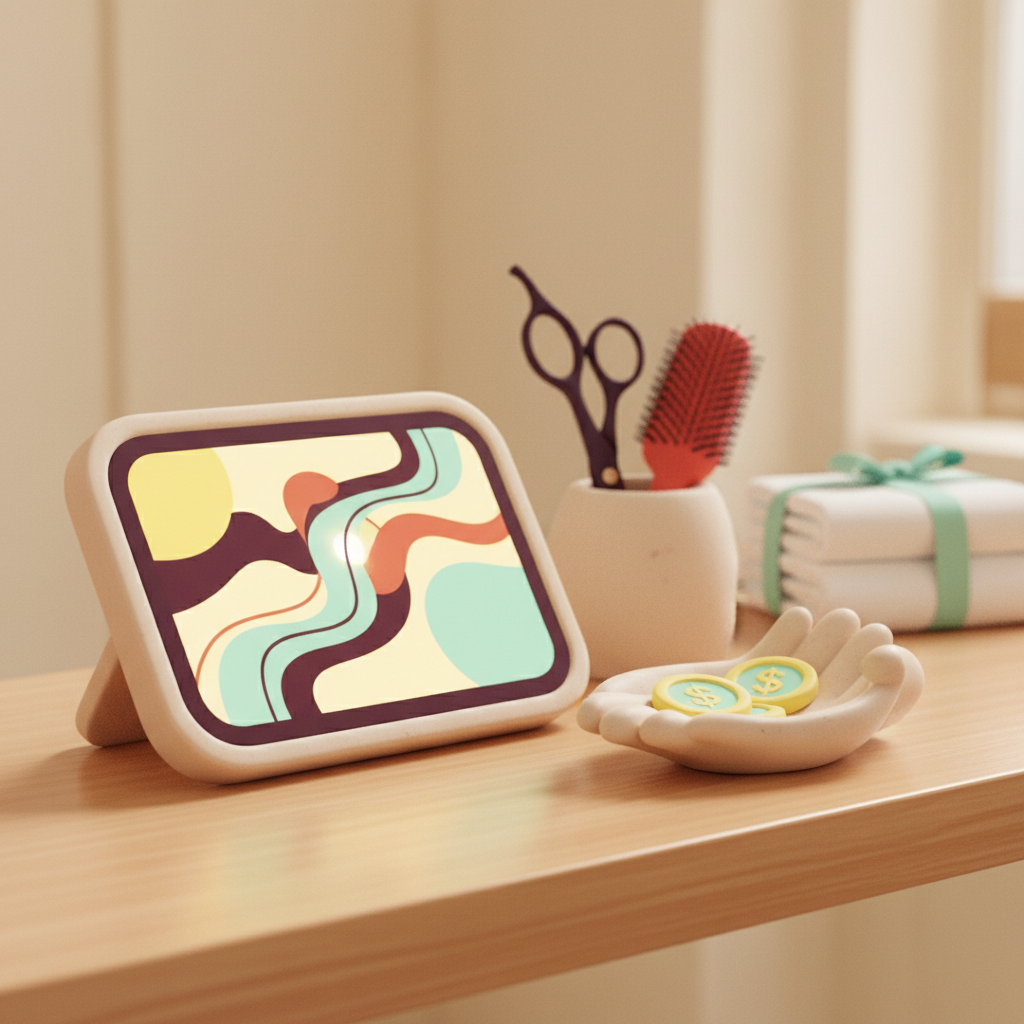
For salons and spas, a digital tip jar offers a straightforward way to accept tips from customers who might not carry cash, addressing common tipping friction like card-only payments and uncertainty about tipping assistants.
How Digital Tipping Helps Salons
Salons and spas offer an appointment-based personal service, often with a stylist or therapist, concluding at a front desk or checkout. Tips may go to the service provider, an assistant, or the entire team. Common friction points arise from card-only customers, potential awkwardness at the desk, and uncertainty about how to tip assistants.
A good digital tip jar feels like part of the experience, not just another checkout. It appears where gratitude already exists, transforming a generic payment link into a true tipping moment.
Key Features for Salons and Spas
Tip Jar offers features particularly relevant for salons and spas:
- Person Selector: Guests can send a tip to one named person.
- Whole-Team Option: A customer who doesn't know names can tip the whole crew if this option is turned on. The money routes to whoever was chosen.
- QR at the Station: A printed QR code opens your Tip Jar page directly on the customer's phone. Tip Jar generates the code for you, so there's nothing to configure on the customer's side. Creating a Tip Jar takes about two minutes and does not require a website.
- Direct Link: Your Tip Jar can be shared as a link, via email signature, or embedded on your own website.
Tip Jar keeps a 3% platform fee plus card processing, taken out of the tip rather than added to it. The smallest tip Tip Jar accepts is $5.
Strategic Placement for Your Tip Jar
For salons and spas, natural thank-you moments include service completion, the walk to the desk, checkout, and rebooking messages. You want your digital tip jar to appear at these times. Placements worth considering include:
- The Styling Station: A QR code or mirror card can be placed here.
- The Front Desk: A QR code visible at checkout.
- On the Receipt: A printed link or QR code.
- Appointment Follow-up: Include a link in rebooking or thank-you messages.
When judging any placement, consider its visibility (can they see it?), timing (is it near the thank-you moment?), dwell time (do they have a moment to scan?), context (do they understand what it's for?), accessibility (can they physically reach and scan it?), and repetition (can it appear in more than one relevant place without nagging?).
Example wording for a sign or link might be: 'Happy with your hair? Say thanks to the team.' Another option for follow-up is within a rebooking or thank-you text. Keep in mind that a tip request that feels like a demand can sour the memory of the experience.
Flexibility for Your Team
A team member can appear on a Tip Jar and be chosen by customers before they have finished setting up their own payouts; tips credited to them route to the business in the meantime and stay attributed to them.
When thinking about salons and spas, we do not assume customary percentages, booth-rent arrangements, or specific ways a salon splits assistant tips. A digital tip jar should adapt to your existing setup.