A Digital Tip Jar for Your Staff
Give your staff a simple, app-free way for customers to leave digital tips, whether for an individual or the whole crew.
Tip Jar Editorial · Updated September 21, 2026 · 3 min read
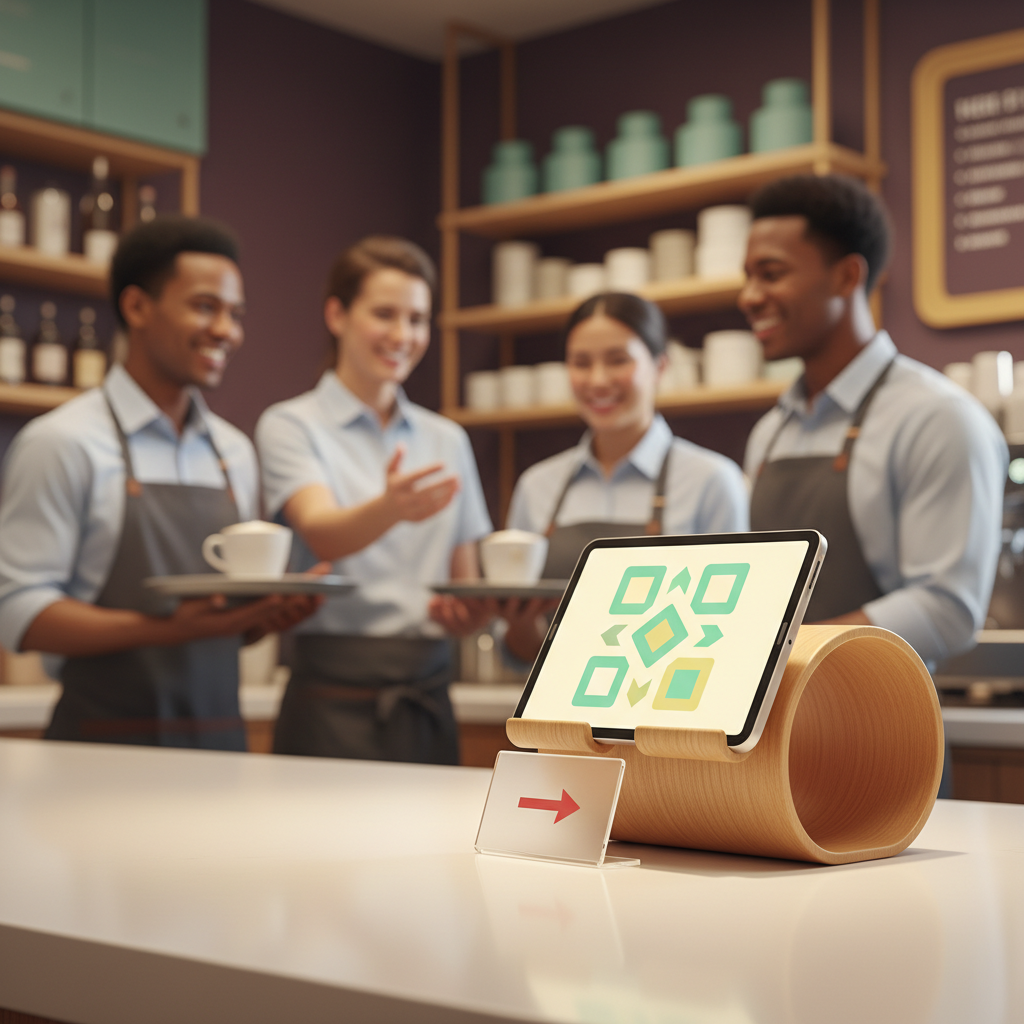
A digital tip jar is a simple online page that lets customers tip your staff directly, without downloading an app or signing up for an account. It addresses common reasons customers don't tip, like not having cash or not knowing who to tip.
Why a 'Staff Tipping App' is More About Ease, Not Apps
When people search for a 'staff tipping app,' they're usually looking for a straightforward way for customers to tip staff digitally. The key isn't necessarily a downloadable app, but rather reducing the friction points that stop willing customers from tipping. This includes things like the customer not having cash (payment friction), not knowing tipping is an option (discovery friction), or not being sure how much to give (amount friction).
What matters is that a customer can reach a clear payment action when they want to say thanks. Tip Jar solves this by giving staff a simple web page where guests can open it, pick an amount, and pay by card or wallet. Guests do not download an app or create an account to use it.
Make it Easy for Customers to Tip Individuals or the Whole Crew
Customers often want to tip but might not know an individual's name, especially in busy settings or for event staff where service is fast. A digital tip jar helps with this by offering options:
- Individual Tipping: Guests can send a tip to one named person they wish to recognize.
- Whole-Crew Tipping: For customers who don't know names or simply want to thank everyone, Tip Jar offers a whole-crew option. This means a customer can tip the entire team instead of picking a person, provided the jar has this option turned on.
Money routes to whoever was chosen, whether it's an individual or the whole crew. A team member can appear on a Tip Jar and be chosen by customers even before they've finished setting up their own payouts; tips credited to them route to the business in the meantime and stay attributed to them.
How to Share Your Staff's Digital Tip Jar
Getting the digital tip jar in front of customers is crucial. A digital tip jar can be shared in multiple ways to overcome discovery and timing friction, which are reasons a customer might not tip because the moment passed or they didn't know it was an option.
Consider these methods for sharing:
- Direct Link: Share the unique link directly.
- Printed QR Code: Generate a QR code that customers can scan with their phone. This is particularly useful on table cards, at the bar, or near an exit. For event staff, placements worth considering include the bar, table cards, the event programme, and the exit.
- Email Signature Link: Include the link in staff email signatures.
- Website Embed: Embed the tipping option directly on your own website.
- Post-Event Communication: For event staff, natural thank-you moments include guests leaving and the wrap-up message from the organizer. A follow-up option is the organizer's post-event email. For example, 'Team looked after you tonight? Say thanks.'
Remember, the smallest tip Tip Jar accepts is $5. Tip Jar keeps a 3% platform fee, taken out of the tip rather than added to it.
What This Means for Staff Recognition
Providing an easy digital tipping option is a concrete way to recognize staff. It ensures that when customers want to express gratitude, they have a convenient, cashless way to do so. This helps reduce identity friction, where a customer might be unsure who they are actually tipping, by allowing them to choose an individual or the team. It also addresses social friction, where asking or being asked for a tip might feel awkward in person.
By implementing a digital tip jar, you're not just solving a payment problem; you're creating more opportunities for staff to receive direct appreciation for their service.
Questions people actually ask
How does a digital tip jar work for staff?
A digital tip jar provides a simple web page where customers can choose to tip an individual staff member or the whole crew. They select an amount (the smallest Tip Jar accepts is $5) and pay by card or digital wallet, without needing to download an app or create an account.
Can customers tip the entire team instead of one person?
Yes, if the jar has the whole-crew option turned on, customers who don't know names or want to thank everyone can choose to tip the entire crew. The money then routes to the designated recipients.
What are the fees for using a digital tip jar?
Tip Jar keeps a 3% platform fee, which is taken out of the tip amount received, not added on top for the customer.
How can we share the digital tip jar with customers?
You can share the digital tip jar as a direct link, a printed QR code (e.g., on table cards or at the bar), in email signatures, or embedded on your website. For events, consider placements at the bar, exit, or in post-event emails.