QR Tip Jar for Events: A Quick Guide
A QR tip jar helps guests easily thank you or your team at any event. Here’s how it works and where to place it for best results.
Tip Jar Editorial · Updated September 9, 2026 · 2 min read
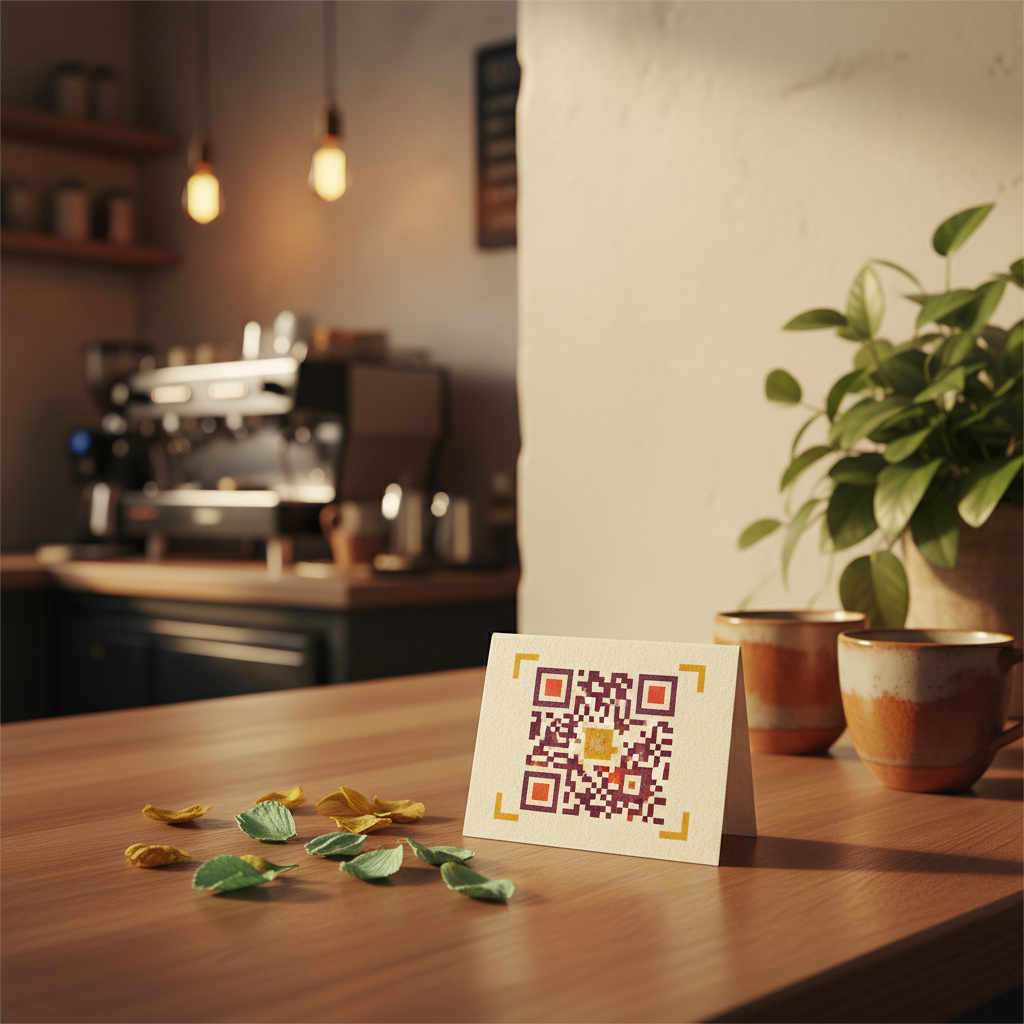
A QR tip jar is a printed code that opens your Tip Jar page in the customer's phone browser. Tip Jar generates the code for you directly from your jar's link, meaning there's nothing for customers to configure on their side. Guests don't download an app or create an account; they open a page, pick an amount, and pay by card or wallet.
Why Use a QR Tip Jar at Events?
Events create natural 'thank-you moments' where guests feel grateful. A digital tip jar helps capture that gratitude. A generic payment link helps someone send money, but a Tip Jar answers 'how can I thank this person or team?' with a page that names who is being thanked and suggests amounts.
Creating a Tip Jar takes about two minutes and does not require a website. Once set up, your Tip Jar can be shared as a link, or as a printed QR code.
Making Your QR Tip Jar Effective
The best tip jar appears where gratitude already exists. Consider your event flow and where guests might feel that 'that was great' feeling. Judge any tip jar placement on six things:
- Visibility: Can guests see the QR code?
- Timing: Is it near the thank-you moment?
- Dwell time: Do guests have a moment to scan?
- Context: Do they understand what it is for?
- Accessibility: Can they physically reach and scan it?
- Repetition: Can it appear in more than one relevant place without nagging?
For example, a boat operator might place a QR code at the gangway as guests disembark, or a wedding band might have one on their stage setup. Common placements include the counter, checkout area, equipment-return area, receipts, tables, a lanyard or badge, or a printed card handed over at the end of an experience.
Avoid a tip request that feels like a demand; pressure converts once and can sour the memory of the experience. Instead, phrasing like "Loved your experience?" or "Show the crew some love." can invite tips naturally.
Tipping Options for Your Guests
With Tip Jar, guests can send a tip to one named person or to the whole crew. If you enable the whole-crew tipping option, a customer who doesn't know names can still tip the entire team instead of having to pick a person. Tip Jar keeps two things separate: who the customer meant to thank, and where the money was routed. A tip can be credited to a named person while the money settles to the business account, so recognition never depends on payout plumbing.
Payments and payouts run on Stripe, and money lands in the recipient's own bank account. Tip Jar keeps a 3% platform fee plus card processing, taken out of the tip rather than added to it. The smallest tip Tip Jar accepts is $5.
The Post-Tip Moment
Someone who has just chosen to tip has already expressed positive intent. The moment right after a successful tip is a natural place to offer a review link, building on that positive feeling.
Questions people actually ask
What is a QR tip jar?
A QR tip jar is a printed code generated by Tip Jar that, when scanned by a customer's phone, opens your dedicated Tip Jar page directly in their browser, allowing them to easily send a tip.
How can I make my QR tip jar visible at an event?
To make your QR tip jar visible, consider placements such as counters, checkout areas, tables, lanyards, or printed cards handed over at the end of an experience. The key is to place it where guests have dwell time and naturally feel grateful.
Can customers tip the whole team with a QR tip jar?
Yes, if the Tip Jar has the whole-crew tipping option turned on, customers can choose to tip the entire team instead of a specific person. The money routes to whoever was chosen by the customer.